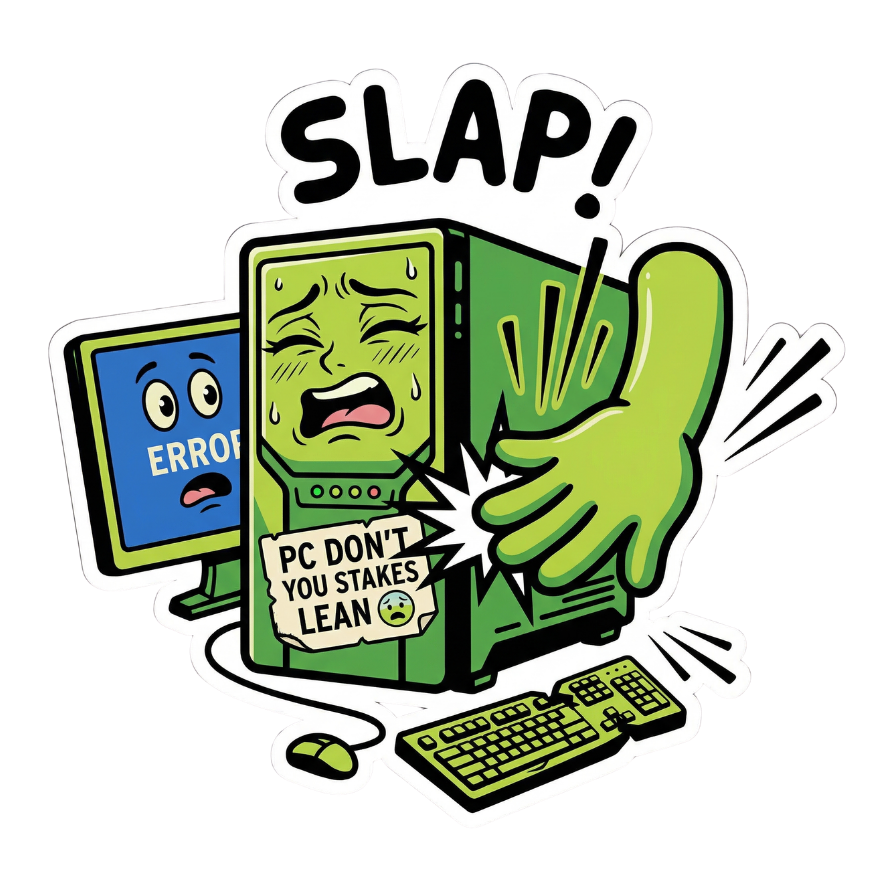
Works on any PC, laptop, phone, or monitor. No Mac required. No download. Just slap.
Sound Engine
Dial in your slap 🎛️
🔊 Volume100%
⚡ Speed1.0x
🎵 Pitch0
🎯 Sensitivity20
⏱️ Cooldown1.00s
🎯 Sensitivity = 20 · Cooldown = 1.00s. These defaults work best for physical laptop/desk slaps.
Sound Packs
SlapPC: Modes of Protest 🎭
Real audio. Your open-plan office will have questions.
➕ Add Your Own Sound
Upload any MP3 or WAV — it becomes a custom pack instantly
Interactive
Click to slap! 👊
Tap any target — or slap your real keyboard/laptop with mic enabled.
Process
How it works ⚙️
01
Enable Mic
Allow microphone access so we detect your slap vibration in real-time.
02
Slap Something
Hit your laptop lid, desk, or keyboard. Any impact triggers the sound.
03
It Screams
Your chosen sound pack fires instantly. Coworkers question your life choices.
04
Customize
Adjust sensitivity, volume, pitch. Upload your own sounds. Pick your mood.
Under the Hood
Nerdy tech details 🤓
🎙️ Slap Detection
Uses Web Audio API with an AnalyserNode computing RMS energy from your mic input at ~60fps. A slap = sudden spike above your sensitivity threshold.
⚡ Real MP3 Playback
MP3 files are fetched from your server and decoded into AudioBuffer objects. Near-instant playback — AudioContext schedules within microseconds.
🎵 Pitch + Speed Control
Speed uses AudioBufferSourceNode.playbackRate. Pitch is shifted independently via semitone math — tempo and pitch are fully decoupled.
🖥️ Desktop App
Desktop wrapper via Electron.js. Renderer loads this page. Mic permissions granted at OS level. Auto-updates via electron-updater.
📍 Geo Detection
IP-based location via ipapi.co. India → Hindi packs auto-loaded. Manual toggle overrides anytime. Your location is never stored.
⌨️ Keyboard Slap
keydown events captured globally and debounced with your cooldown timer. Rapid typing won't machine-gun the sounds.
Pricing
Surprisingly affordable 💸
$0
Forever free. No credit card. No catch.
All real sound packs included
Hindi + English mode
Mic slap detection
Keyboard & click detection
Volume, speed & pitch control
Upload your own custom sounds
Mac + Windows desktop app
Unlimited slaps
FAQ
Got questions? 🤔
SlapPC uses your browser's built-in microphone access via the Web Audio API. When you slap your laptop lid, desk, or keyboard, it creates a sudden loud transient in the mic signal. Our algorithm detects that spike in real-time and fires the sound — no app download needed, works entirely in the browser.
Increase the Sensitivity slider (drag it right). Our detection uses a rolling ambient average — it learns your room's background level and only fires when a sound spikes dramatically above it. If fan noise is still triggering it, set sensitivity to 30–50 until only hard slaps fire.
Yes! Just plug in any microphone or use your headset mic. The slap detection picks up the physical impact sound through whatever mic is connected. You can also just click the targets on screen manually — no mic required for that.
If your IP address is detected as being in India, Hindi sound packs are automatically enabled and the toggle switches to India mode. You can also switch manually anytime using the 🇮🇳 / 🇺🇸 toggle in the hero section. Hindi packs include local flavour sounds like the "Modi Ji BKL" pack.
Yes! Scroll to the Sound Packs section and click Upload MP3 / WAV. Your file is instantly decoded and added as a new sound pack. It plays locally in your browser — nothing is uploaded to any server.
100% free. No account, no subscription, no ads, no credit card. All sound packs, mic detection, combo system, and custom uploads are included at zero cost. We plan to keep it free forever.
The mic is the slap sensor — it's how the app detects physical impacts on your laptop or desk. We do not record, store, or transmit any audio. Everything is processed locally in your browser using the Web Audio API and nothing ever leaves your device.
Click the Download for Mac or Download for Windows button in the hero section. It downloads the Electron wrapper configuration. You'll need Node.js and Electron installed — full setup instructions are included in the downloaded file. Native desktop apps with OS-level mic permission are coming soon.
☕
It's Free! Forever. 🎉
No catch, no subscription — SlapPC is 100% free.
If it made you smile (or your coworkers question you), consider buying me a coffee. It keeps the slaps coming! 🙏